
Desktop app
Capture privately.
No bot. No notification.
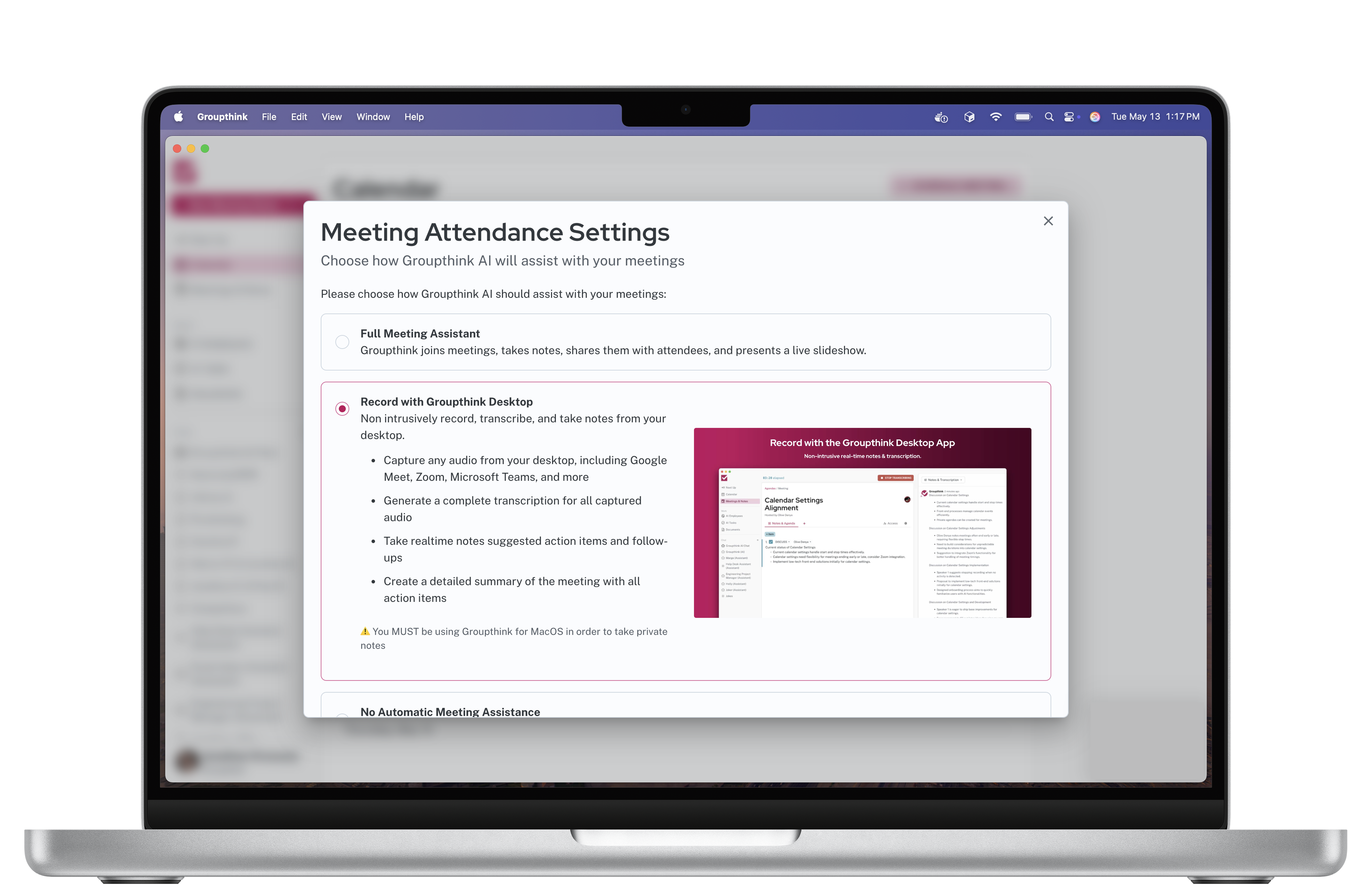
The Groupthink desktop app captures your meetings without joining as a participant. Nothing is visible to the other people on the call. Full transcription and pre-meeting briefings still generated.
Private capture
Works on any platform.
Works on every call.
Because the desktop app captures audio at the OS level, it works with Zoom, Google Meet, Microsoft Teams, Webex, or any other video platform. You are not limited to the platforms the bot supports.
- No bot visible in the meeting
- No participant notification
- Works on any video conferencing platform
- Full transcription with speaker detection
- Recap and briefings generated the same as bot capture
Download
Available for Mac and Windows.
Mac
Requires macOS 11 or later
Download for MacAfter downloading
- Open the downloaded .dmg file
- Drag Groupthink to your Applications folder
- If macOS says the app can't be opened, go to System Settings → Privacy & Security and click “Open Anyway”
- Grant Screen Recording and Microphone permissions when prompted
* Apple Silicon (M1 or later) only. Intel Mac version here.
Windows
Requires Windows 10 or later
Download for WindowsAfter downloading
- Run the downloaded .exe installer
- If Windows SmartScreen appears, click “More info” then “Run anyway”
- Follow the installation prompts
- Grant microphone access when prompted
Mobile
Review your intelligence library on the go.
The mobile app lets you read briefings, review past meeting recaps, and search your history from anywhere.