
Capture options
Capture on your terms.
The Groupthink bot is the easiest way to capture. But it is not the only way. Both options feed the same intelligence library and generate the same pre-meeting briefings.
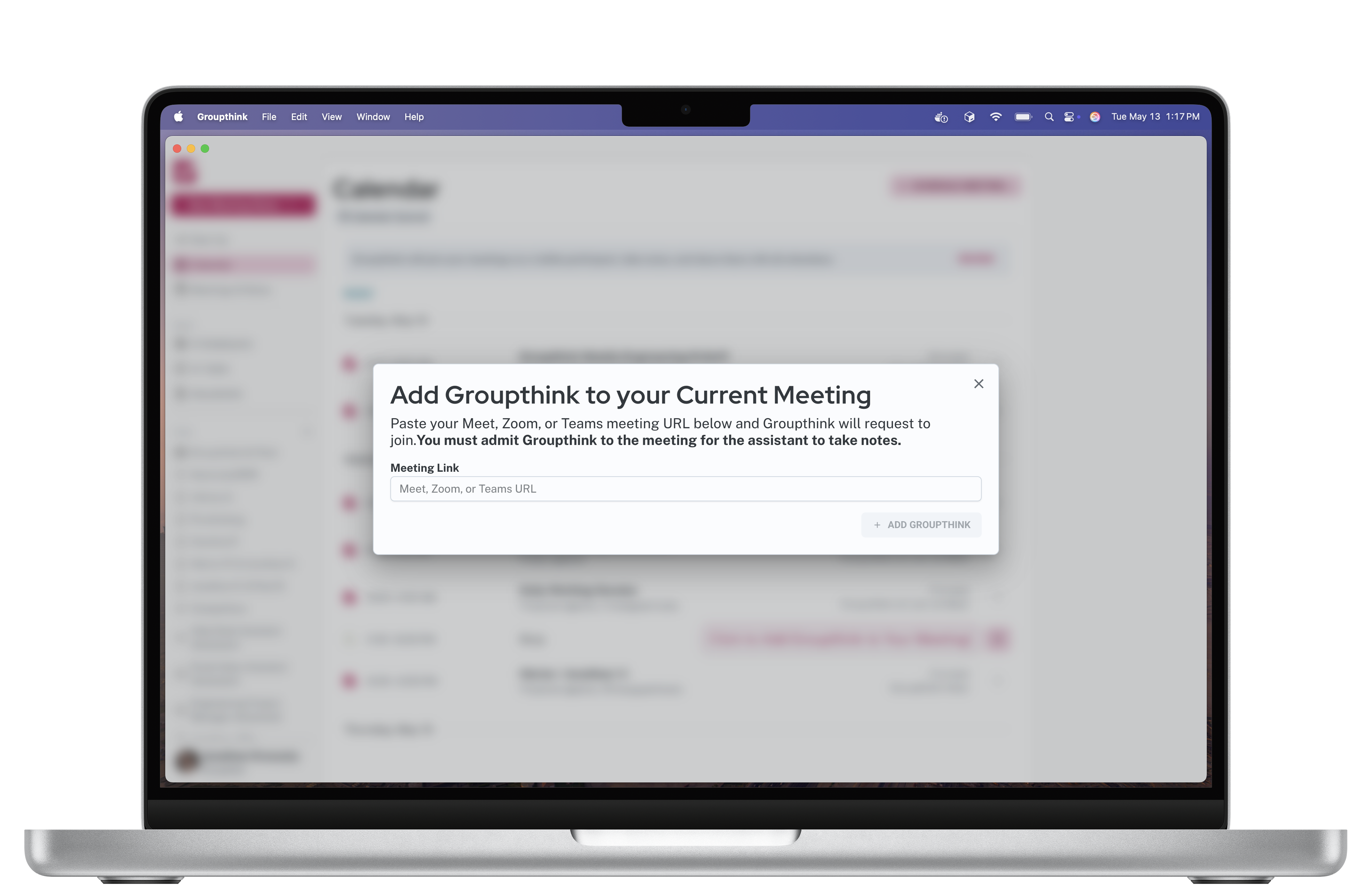
Bot capture
Automatic. No setup per meeting.
Connect your calendar once and Groupthink joins automatically. A visible participant in the call captures the full conversation with speaker identification. Works with Zoom, Google Meet, and Microsoft Teams.
- Auto-joins every calendar meeting
- Real-time transcription with speaker detection
- Works on Zoom, Google Meet, Microsoft Teams
- No download required
Private desktop capture
No bot. No notification.
Full capture.
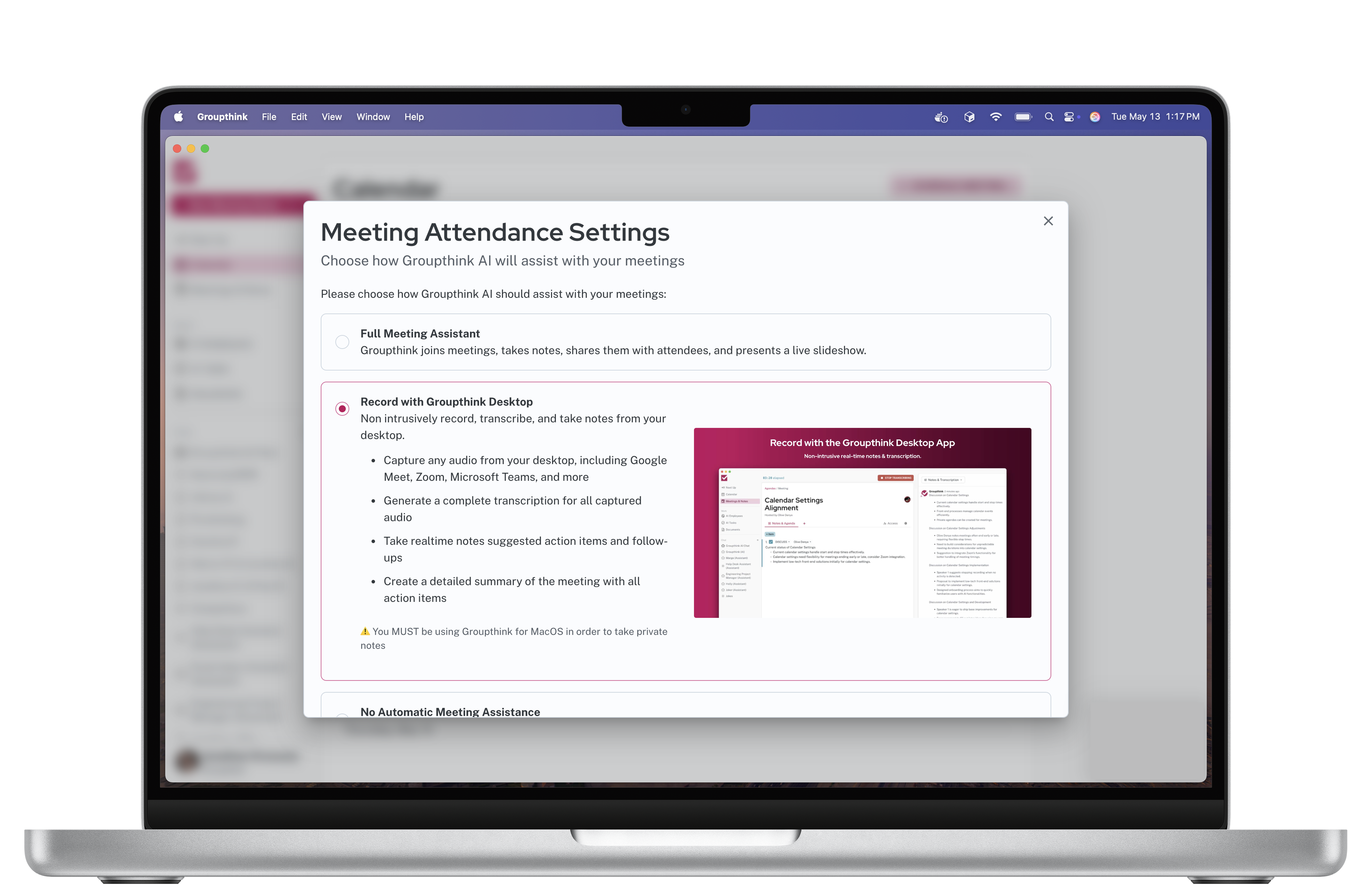
The Groupthink desktop app for Mac and Windows captures your meetings privately, without a bot appearing as a participant. Nothing is visible to the other people on the call. Your notes stay yours.
- No bot visible in the meeting
- No participant notification
- Available for Mac and Windows
- Works on any platform, any call
- Full transcription and recap still generated
Which to use
The right option for every situation.
Use the bot for
Internal team meetings, recurring calls, any meeting where a visible participant is fine. Easiest setup.
Use private capture for
Client meetings, interviews, sensitive conversations, or any meeting where you do not want a bot visible to others.
Use both
Most people mix methods depending on context. The briefings and person profiles work the same regardless of which option captured each conversation.
Get started
30 days free.
Then $15 per month.
Start with the bot. Switch to private capture whenever you need it.
Start your free trial