Forward your meeting notes from any notetaker

Danielle Morrill

Most people who care about their meetings already have a notetaker they like. Granola for the clean summary. Otter for the transcript. Gemini riding along inside Google Meet. Fireflies or Zoom’s AI Companion catching the calls you couldn’t make. The notes are good. The problem is where they end up: stuck in the tool that made them, one recap at a time, never adding up to anything you can see about the person across the table.
Getting those notes into Groupthink used to mean copying and pasting them, but that changes today. Every Groupthink account now has its own private forwarding address. Forward a recap to it from any notetaker and within a minute it shows up in your notes. Groupthink reads who the meeting was with, matches it to the people who were there, and pulls out the decisions, the action items, and what you learned about each person.
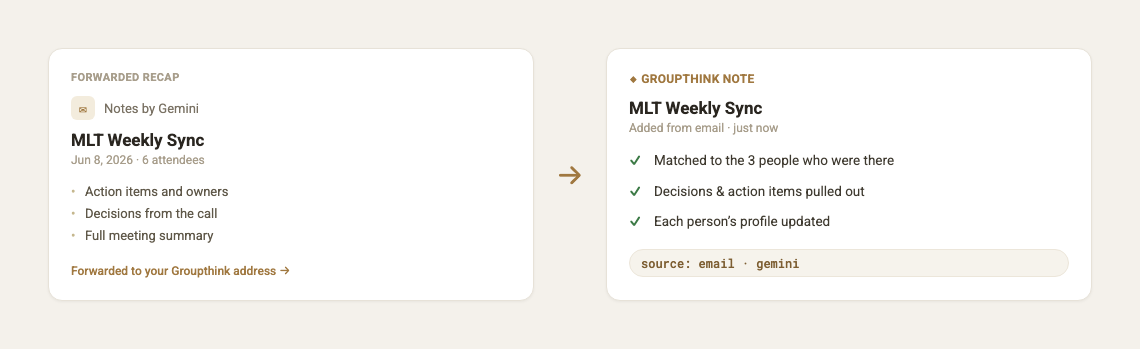
It recognizes the tool that made the recap, whether that’s Granola, Gemini, Otter, Fireflies, Zoom AI, or even a forwarded Slack digest, and files it accordingly. Anything it doesn’t recognize still comes in as a plain note, so nothing gets dropped on the floor.
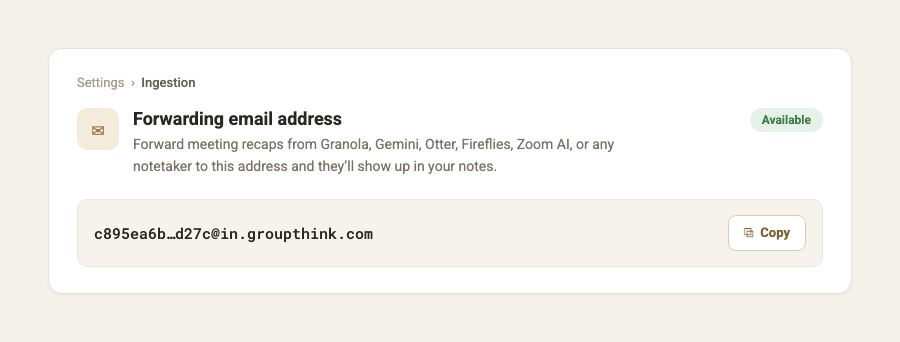
Where to find your address
Open Settings, then Ingestion. Your forwarding address sits under “Forwarding email address.” Copy it and send one recap to see it land. It’s unique to you and private, so treat it like a password.
Forward once, or forward everything
You can forward a recap by hand whenever you want. Or set a filter in your email so every recap from your notetaker forwards itself, and you never think about it again. Our help doc walks through the auto-forwarding setup with Granola and Gemini as examples.
The point is that you don’t have to switch notetakers to get something out of your meetings beyond the meeting. Keep the tool you already like. Point its recaps at Groupthink, and the picture of who you know, what you talked about, and what you owe them fills in on its own. Over time that’s what tells you who you’re starting to fall behind on, which relationships are heating up, and what you said you’d do the last time you talked.
Your forwarding address is waiting in Settings, under Ingestion.