Linked People is live everywhere

Danielle Morrill
The meetings that matter most are often the ones that never made it onto your calendar. A coffee that turned into a real conversation. A “got a sec?” that became the thing you’re still thinking about a week later. A quick 1:1 you hit record on without anyone formally inviting anyone.
Until this week, Groupthink had no good way to attach those meetings to the people who were actually in them. Linking a contact to a meeting lived in a setting most people never opened, and it only worked when the meeting came from a calendar invite. So the meetings that mattered most were the ones least likely to leave a trace in anyone’s profile.
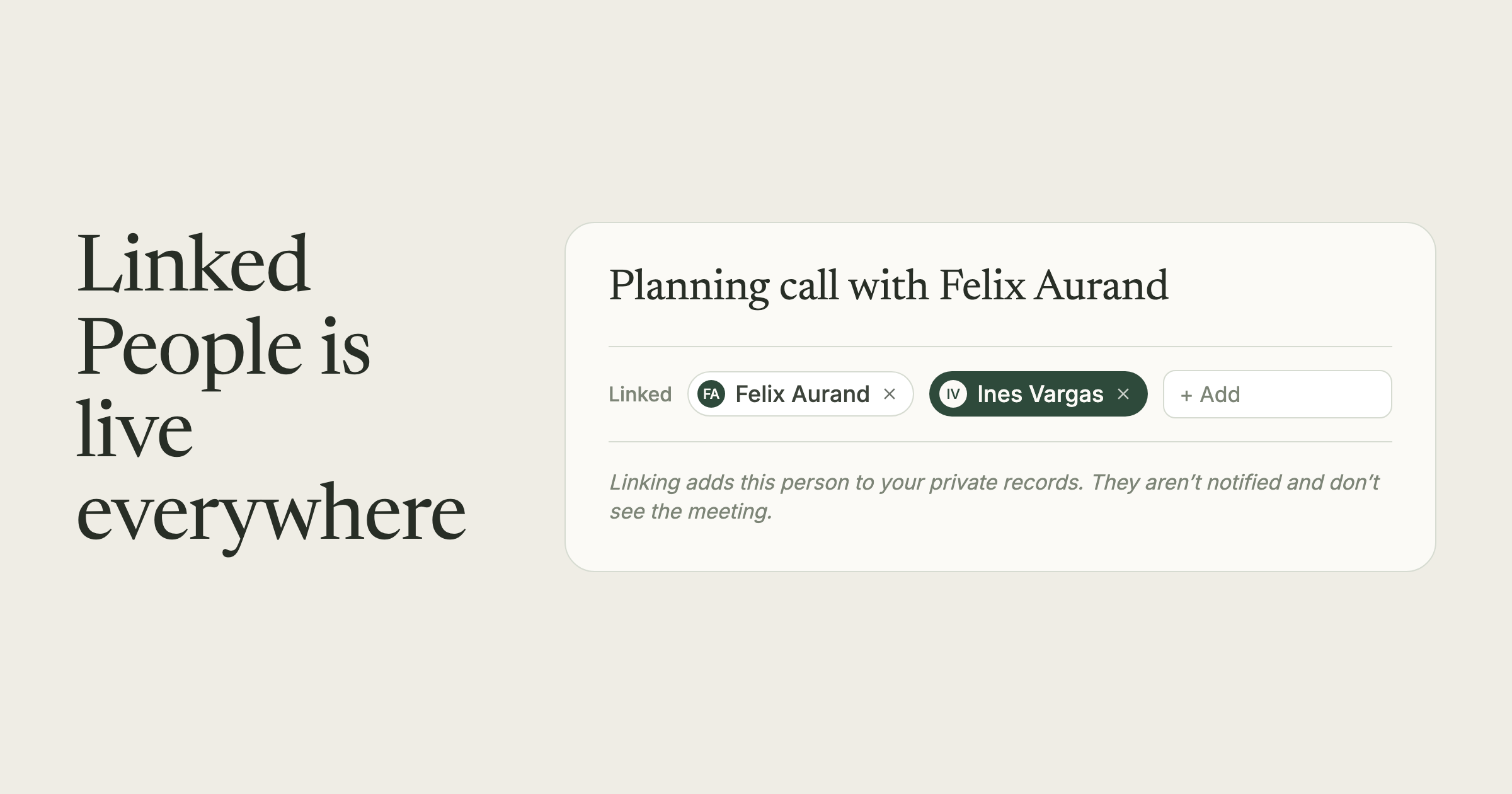
That changes today. A Linked People row now sits at the top of every agenda page, every recap, and inside Note Settings. It shows you who the meeting is connected to, lets you add people who came up in the conversation but weren’t on the invite, and lets you pull off anyone who was technically on the call but wasn’t really the point.
For the ad-hoc calls, this is the piece that was missing. You hit record on the desktop app, talk to whoever you’re talking to, and when it’s done you drop their chip into Linked People. The meeting now counts as part of that relationship, which is how Groupthink tracks when you last spoke with someone and who you’re starting to fall behind on.
One thing to know: linking is private to you. The people you add don’t see the meeting, and they don’t see anything you’ve written about them. The Share button is still how you actually share a meeting with someone.
Live now on the web and in the desktop apps. Full how-to in the Linked People doc.