Connect Every Calendar, Outlook Included

Danielle Morrill
Your life does not fit in one calendar. Earlier this month we added multiple Google accounts; today Outlook joins them. Connect as many Outlook accounts as you have, mix them freely with your Google ones, and every meeting on any of them feeds one record of the people in your life.
Every account, one list
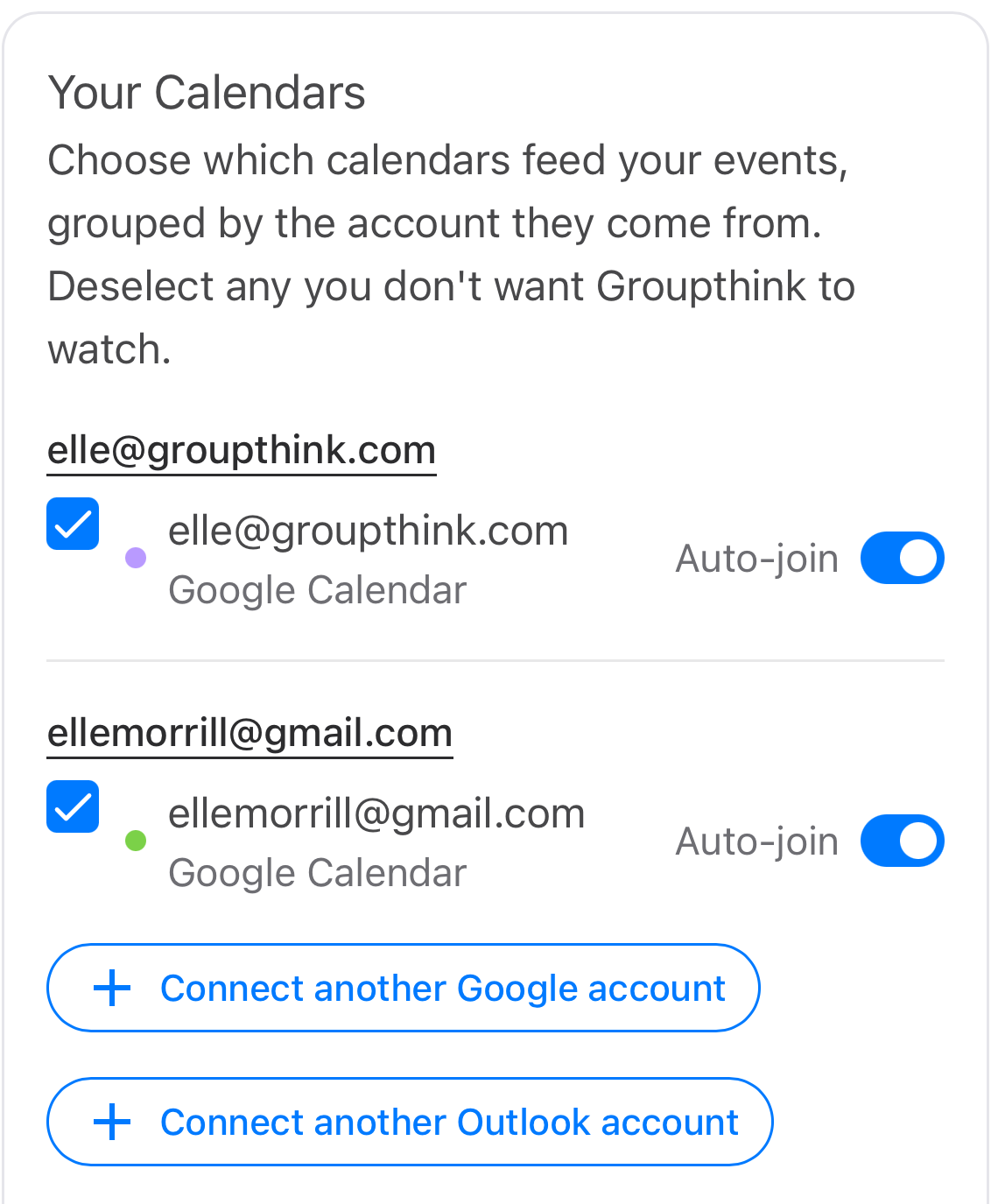
In Settings, then Calendar, click Connect another Outlook account, approve the Microsoft screen, and that account shows up as “Connected” with its calendars listed under their own heading, next to your other accounts. Check the calendars that matter, skip the birthdays and holidays.
The notetaker goes where you say
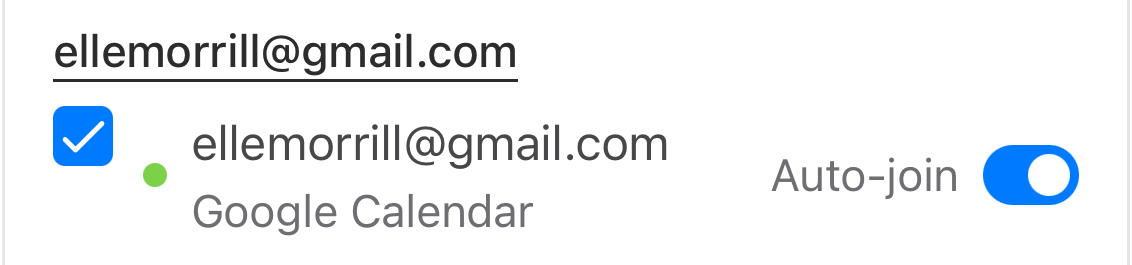
Every calendar in the list has its own Auto-join toggle. On for client calls, off for the family calendar. Nothing joins a meeting you did not point it at.
Try it
Open Settings, then Calendar and connect the rest of your calendars. Setup guides: Outlook and Google Calendar. New here? Get Groupthink free for 30 days and your record starts building itself.