Tell the Advisor someone’s address, and it saves it to their page

Danielle Morrill
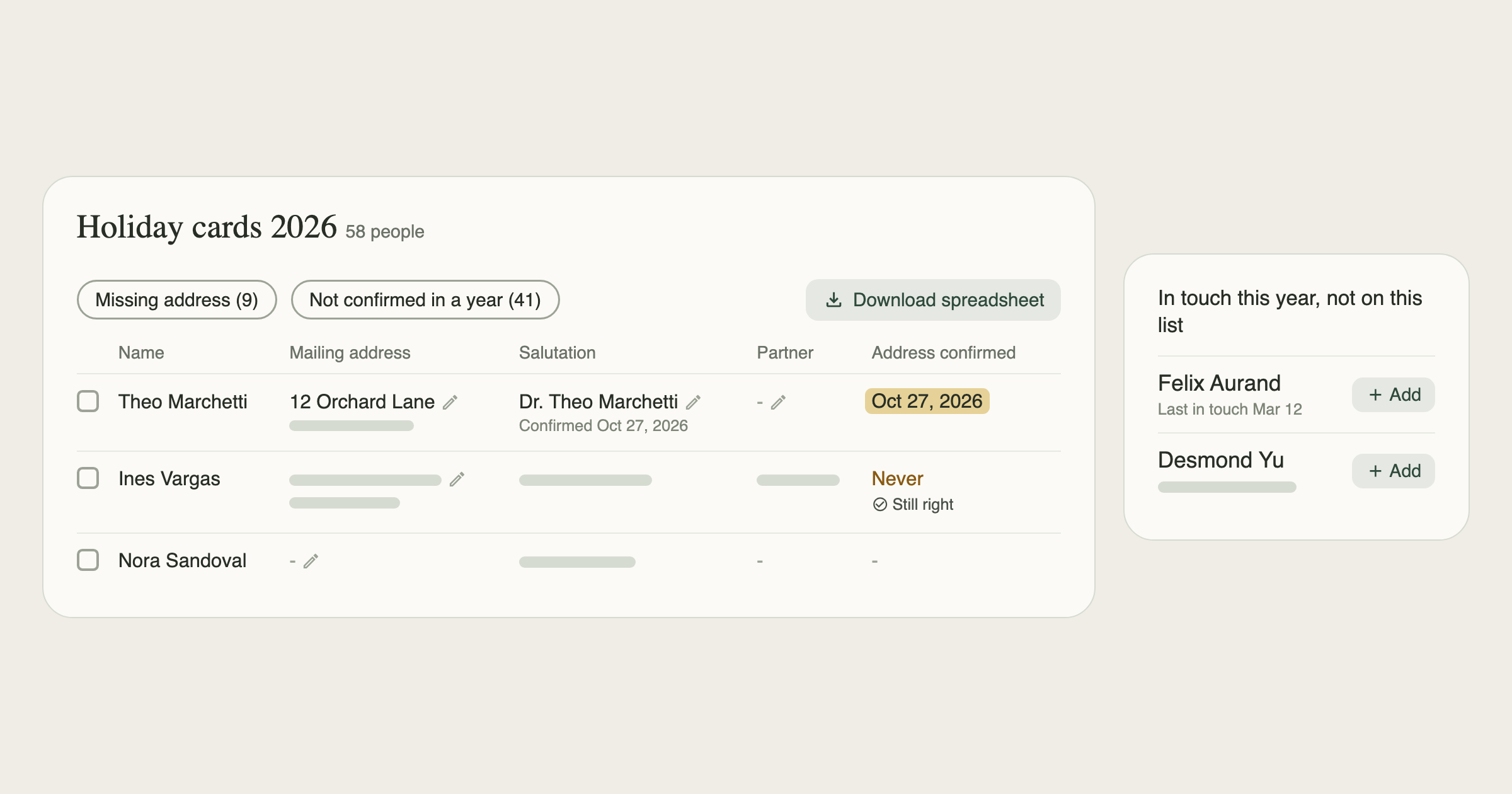
This time of year the addresses come in sideways. A client mentions she moved. A friend’s new address is at the bottom of a holiday letter. You mean to write it down somewhere, and by the time the cards go out you can’t remember where.
Groupthink is a memory for the people in your life and work. Now, in the web app, you can tell the Advisor the address in plain words and it saves it to that person’s page.
How it works
Say Theo Marchetti is already in your Groupthink, and he just told you he moved.
- Click Ask Advisor at the top of the web app.
- Type it the way you’d say it, like “Theo’s mailing address is 40 Birch Road, Salem OR 97301”, and send it.
- A few seconds later the Advisor answers with a card: Save Theo Marchetti’s mailing address, with the address it will save. The card has two buttons, Confirm and Dismiss.
- Click Confirm. The card turns green and says Confirmed, with a link, View on Theo Marchetti’s page.
Follow the link and the address is there, in Theo’s details.
Nothing is saved until you click Confirm, and the card shows the person’s full name and the exact address, so you can check both first. If it isn’t right, click Dismiss.
When it helps
Addresses tend to show up while you’re in the middle of something else. Telling the Advisor takes one sentence and one click, so you can save the address right then and check it on the person’s page later.
If you’re getting a holiday card list ready, we covered finding the missing addresses in Get your holiday card list ready, and the steps are in the help center under Lists.
Try it
If you use Groupthink, open the web app, click Ask Advisor, and tell it one address you’ve been meaning to save. If you don’t have Groupthink yet, start free.