Make this year’s holiday card list, one step at a time

Danielle Morrill
Theo Marchetti sends about forty holiday cards a year. Writing them takes an evening. Getting the list right takes him most of November: deciding who is on it this year, finding the addresses he doesn’t have, and asking people for them.
In October we showed how to get your holiday card list ready by hand: make a list, find the missing addresses, fix them and download it. Now Groupthink walks you through that list on the web, one step at a time. It suggests who gets a card and writes the messages asking for missing addresses. Nothing is sent for you along the way.
Where to start
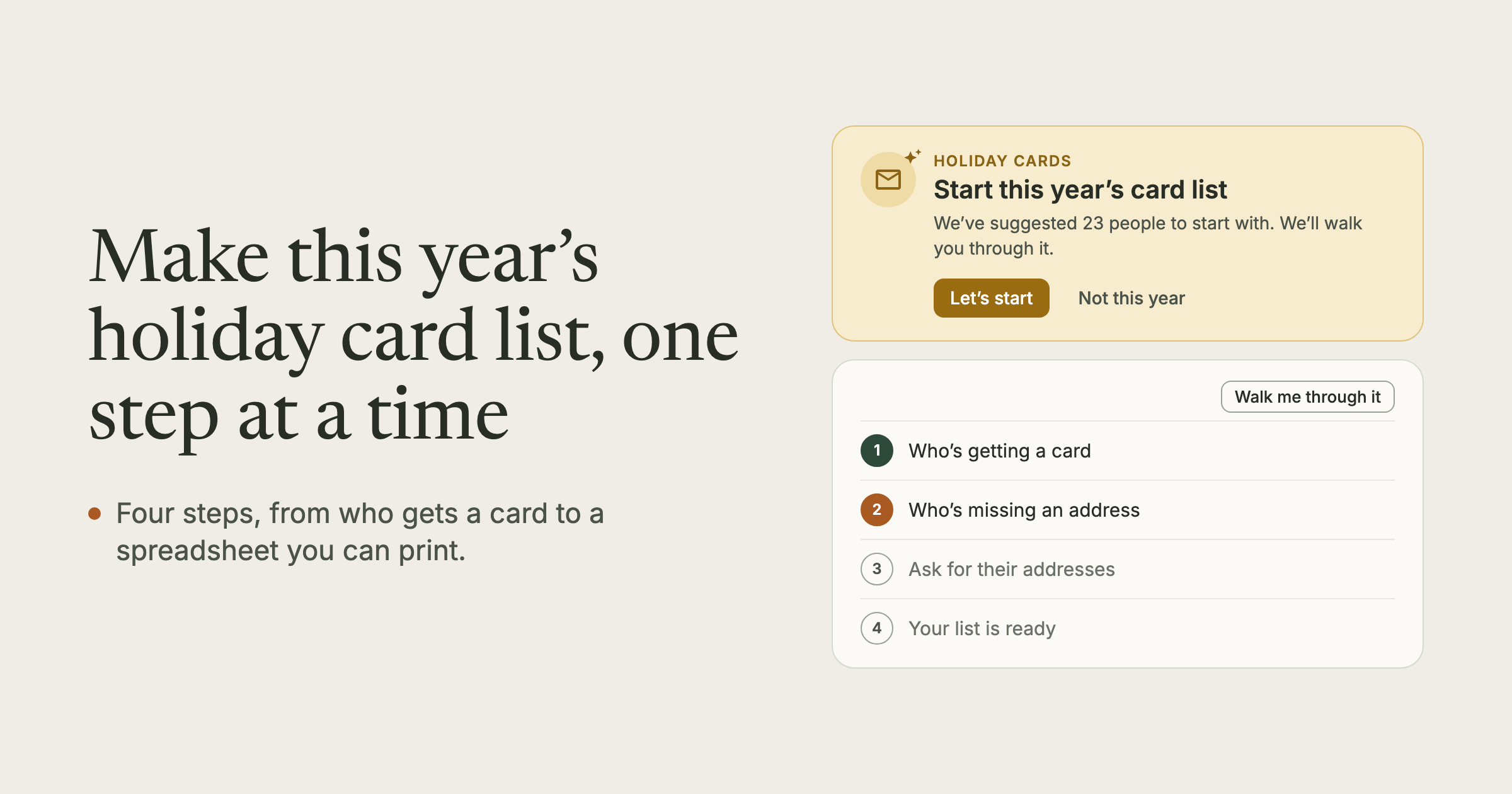
In November and December, Today can show a gold card that says Start this year’s card list. It shows up when you have no card list from this year or last year, and you have at least one person in Groupthink with a mailing address on file, or someone you’ve marked as family or a friend. Click Let’s start. If you’re skipping cards this year, click Not this year.
You can also start from a list. Click Relationships in the sidebar, pick your list from the List menu, and click Walk me through it above it. No list yet? Make one first: tick the people who get a card and click Add to list. Walk me through it is there as soon as the list has someone on it.
Who’s getting a card
The first step is a suggested list. Groupthink starts with the people you have a mailing address for, plus family and friends. Each row says why the person is there, like Address on file or Friend, and says No mailing address when there isn’t one.
Everyone starts ticked. Untick anyone who isn’t getting a card this year, then click the button, which counts them: Save 38 people and continue. Nothing is saved until you click it.
Who’s missing an address
The next step tells you how many people on the list have no mailing address, like “3 people of 38 don’t have a mailing address yet,” and shows who they are.
Ask for their addresses
Click Write the messages and Groupthink writes a short note to each of those people asking for their address. You read each one and send it yourself from Mail or Messages. Groupthink doesn’t send anything for you.
If someone has no email or phone number in Groupthink, it says there’s no message for them, so you know to ask another way. If you’d rather ask later, click Skip for now. When everyone already has an address, this step doesn’t appear.
Your list is ready
Click Download spreadsheet. You get a CSV named after the list, like holiday-cards-2026.csv, with each person’s name, salutation, partner and mailing address. Open it in Google Sheets or Excel, or send it to whoever prints your cards.
Theo’s list came to 38 people, 3 of them missing an address. He sent those three a text that night.
The list stays in Groupthink under Relationships. Open it any time to fix an address in the row or click Walk me through it again. The full steps are in the help center under Lists.
If you already use Groupthink, check Today for the card, or open Relationships and start your list. If you don’t have Groupthink yet, sign up and start with the people you send cards to.