Capture what matters to your relationships

Danielle Morrill

Groupthink is a memory for the people in your life and work, and it keeps itself current from your conversations. It joins your meetings, reads the notes you forward from other tools, and logs a line the moment you type one, so you remember the people who matter without holding it all in your head. We automate as much of that as we can. But some of what matters about the people you know never logs itself.
A photo of the whiteboard from a coffee. The business card someone just handed you. A PDF from a pitch. These don’t capture themselves, and until now they stayed in your camera roll instead of in your relationships.
Capture is how you hand them over. Open the + New menu at the top of the sidebar, choose Paste or attach a file, drag in a photo or PDF (or browse), and Groupthink reads it: the text gets pulled out, and the parts worth remembering rise to the top. You’ll see the progress live, and a green confirmation when it’s done.
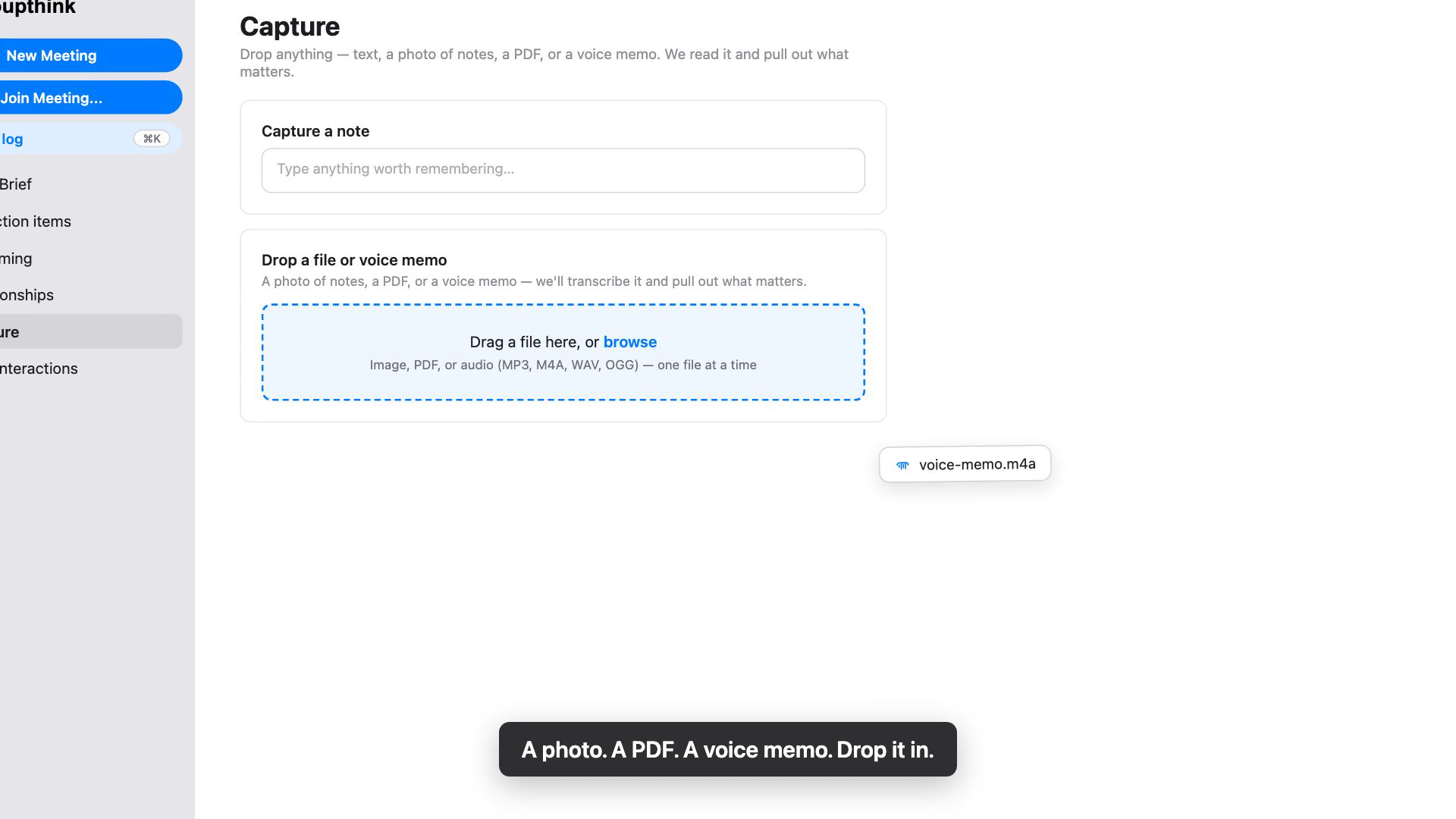
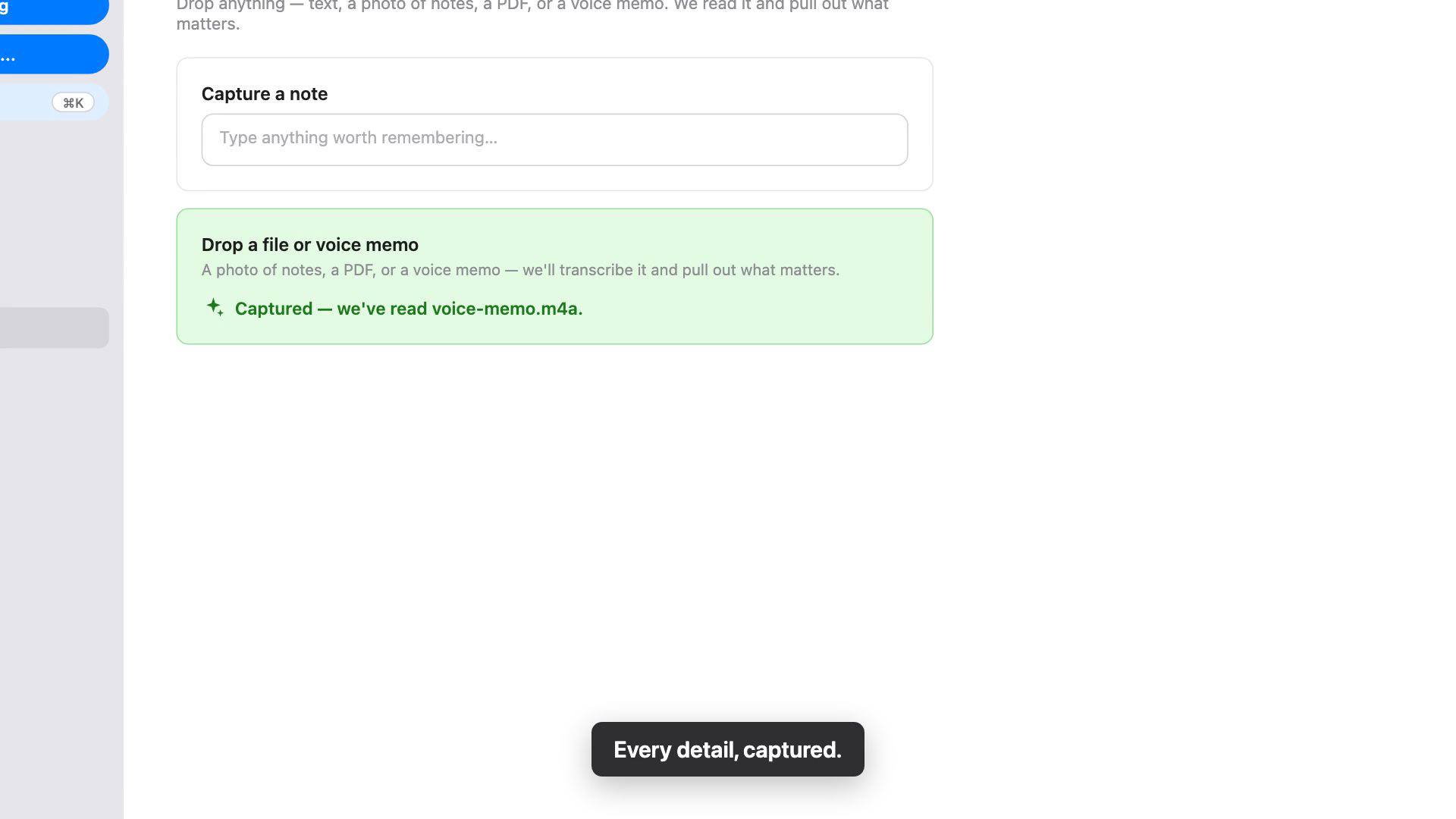
Then one tap files it. Pick who the capture is about, and Groupthink re-reads everything specifically for that person, so what it learned becomes part of your relationship with them.
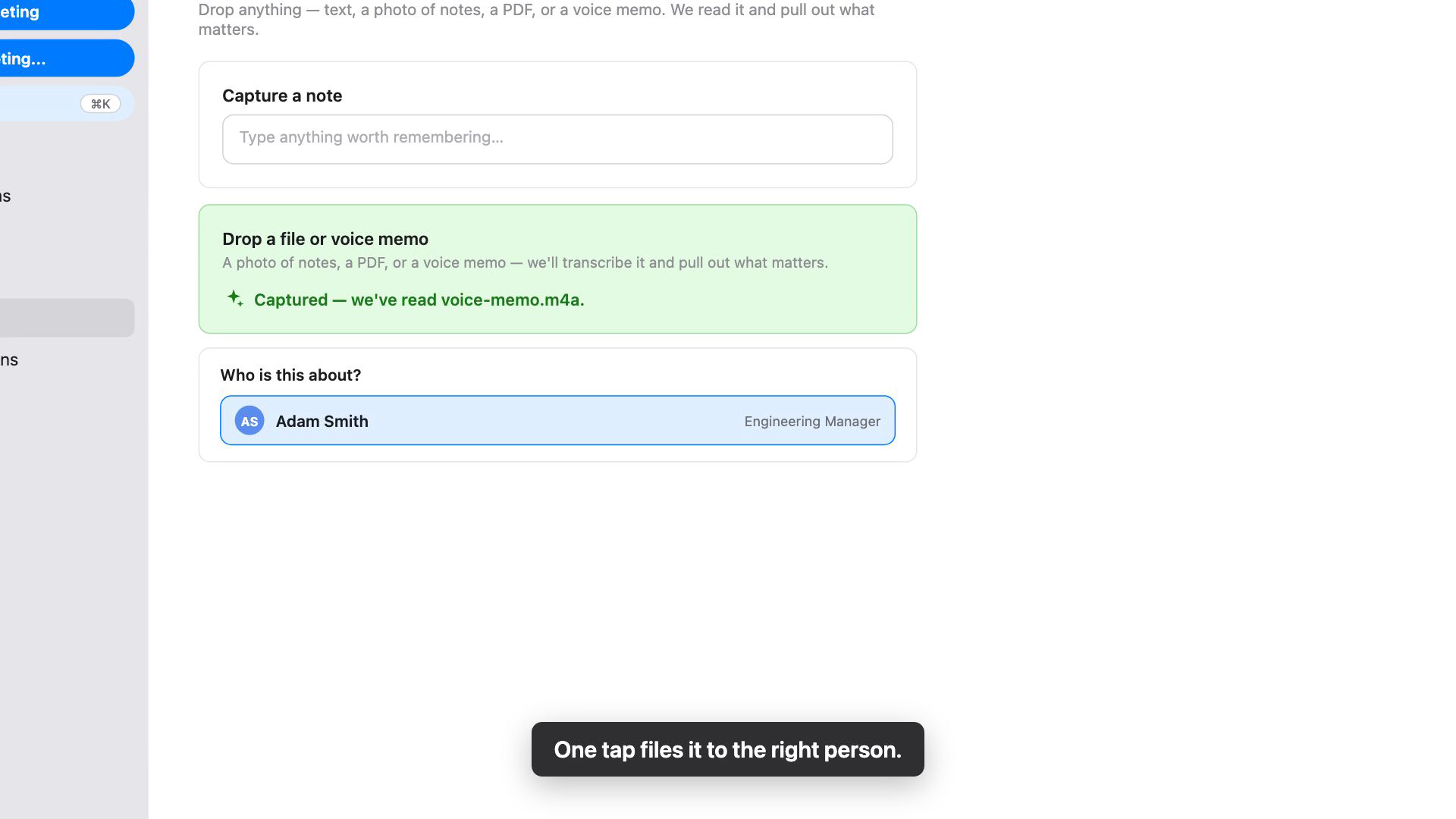 Unlike quick log, which routes a typed sentence automatically, a file is always filed to the person you choose. Nothing lands anywhere without you saying so.
What counts as a capture? Anything that tells you something about someone:
- A photo of the back-of-napkin diagram from a brainstorm
- The business card from the person you just met
- Two pages of handwritten notes from dinner
- A PDF one-pager from a pitch
Supported formats: PNG, JPG, GIF, and WebP images, and PDFs. One file at a time, straight from your phone or desktop.
Full instructions are in the Capture help doc.
New to Groupthink? Start free and connect a calendar, and it keeps your relationships current from your next meeting on. Capture is there whenever you have something to hand it.
We’ll keep automating more of this over time. Until then, whatever Groupthink can’t catch on its own, you can hand it, so nothing about the people you care about slips through.
Open Groupthink and drop in the first thing worth keeping. Remember what matters, and make every moment count.