Log any interaction in one line

Danielle Morrill
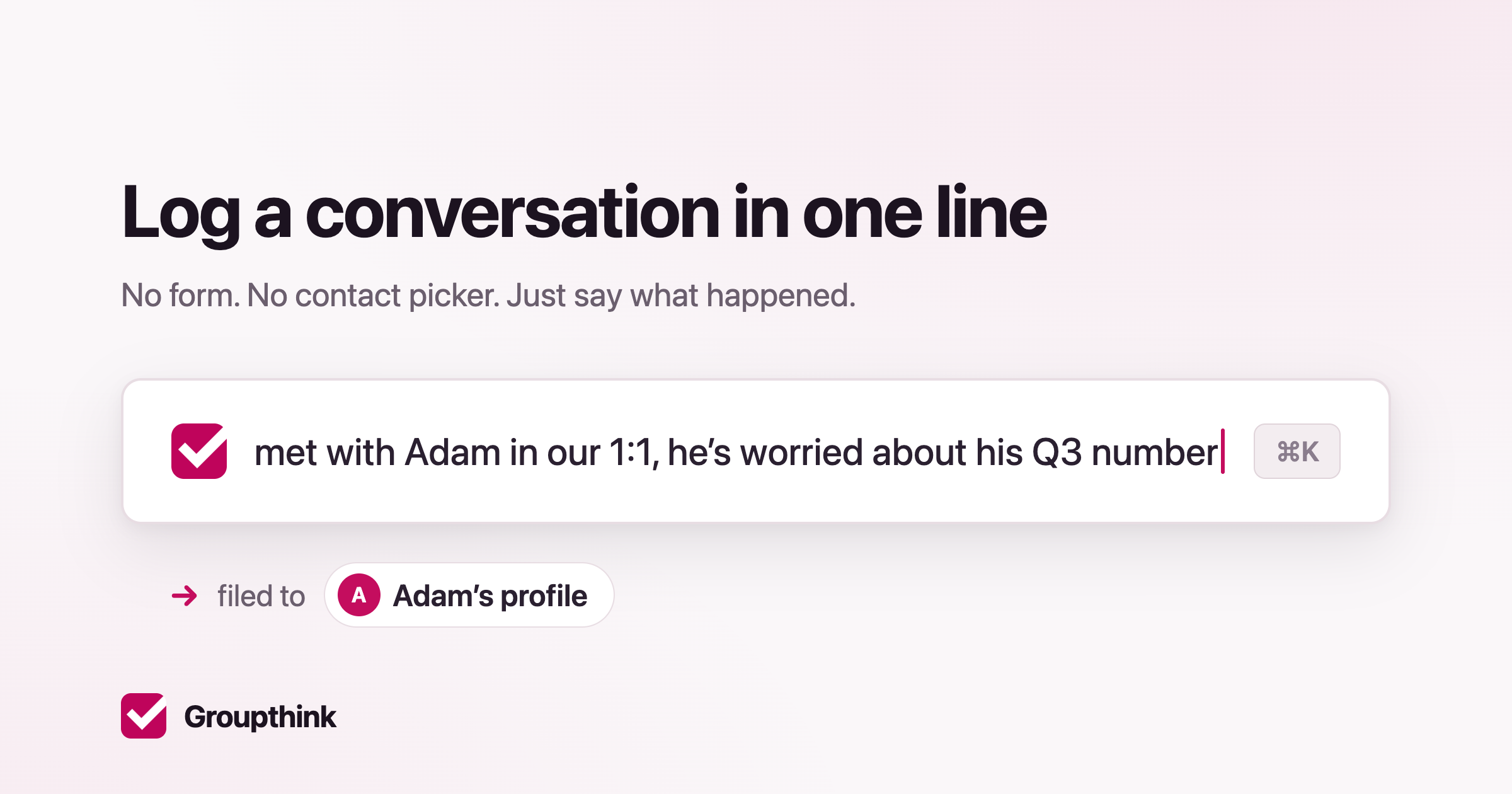
Update, October 2026: Quick log is now the box at the top of the left sidebar. It files your note first and lets you correct it afterwards, so it no longer stops to ask which person you meant. Current steps.
Groupthink is a memory for the people in your life and work. It remembers what matters to them, so you walk into every conversation with context.
But a lot of the moments worth remembering happen away from your desk. You grab dinner with a friend and they mention they’re worried about their Q3 number. You run into a former coworker who just changed teams. You notice someone on your team seemed stretched thin this week, even though they never said so. Those details stay in your head, and your head is a lossy place to keep them.
Part of the reason they never get written down is the work. To log something about a person, you find their record, open a form, pick fields, save. So most of the time you don’t, and the relationship goes stale on paper while it’s alive in real life.
We shipped a faster way. Hit Command-K anywhere in Groupthink (or click “Quick log” in the sidebar), type a sentence, and you’re done:
grabbed dinner with Adam, he’s worried about his Q3 number
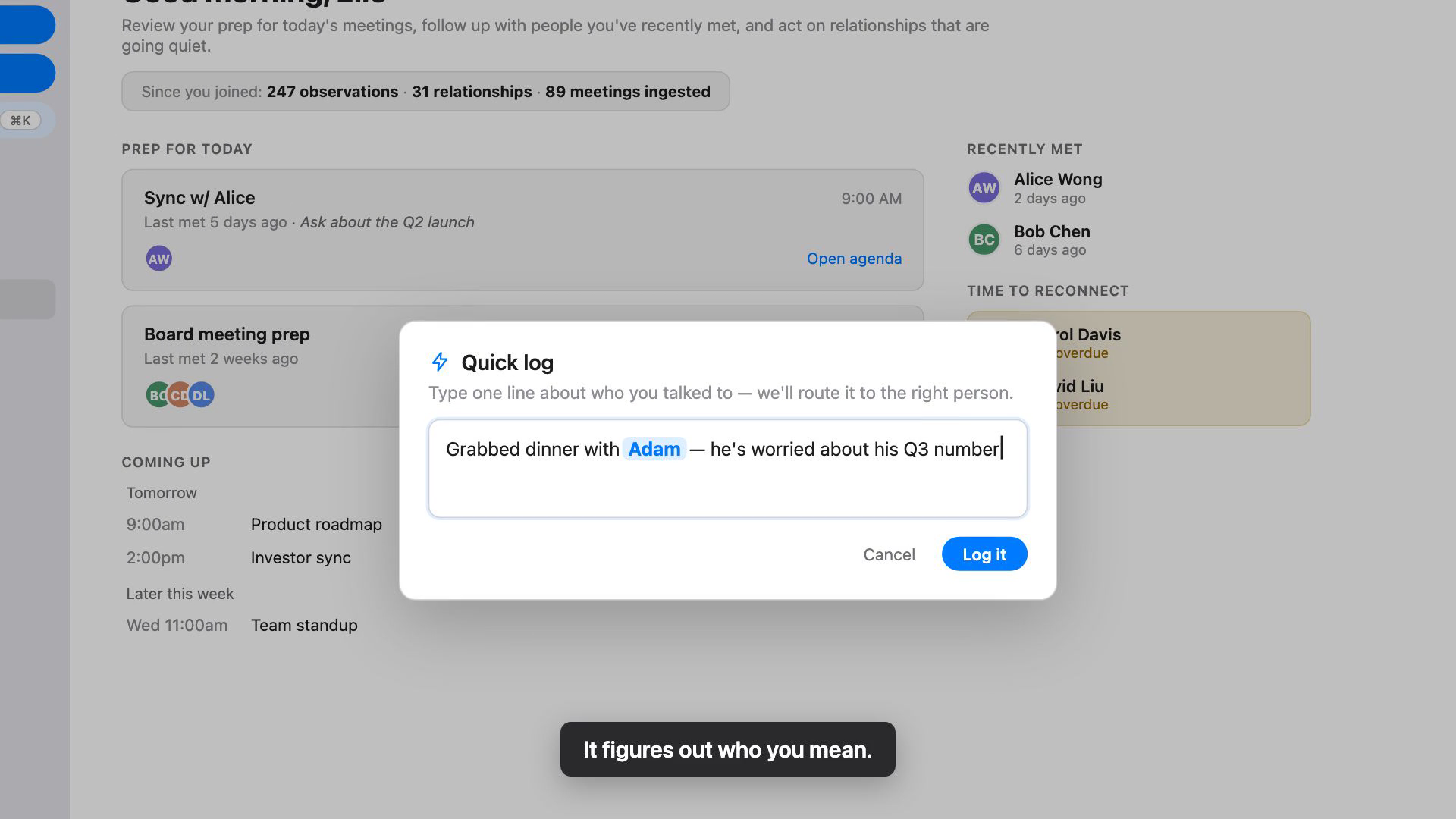
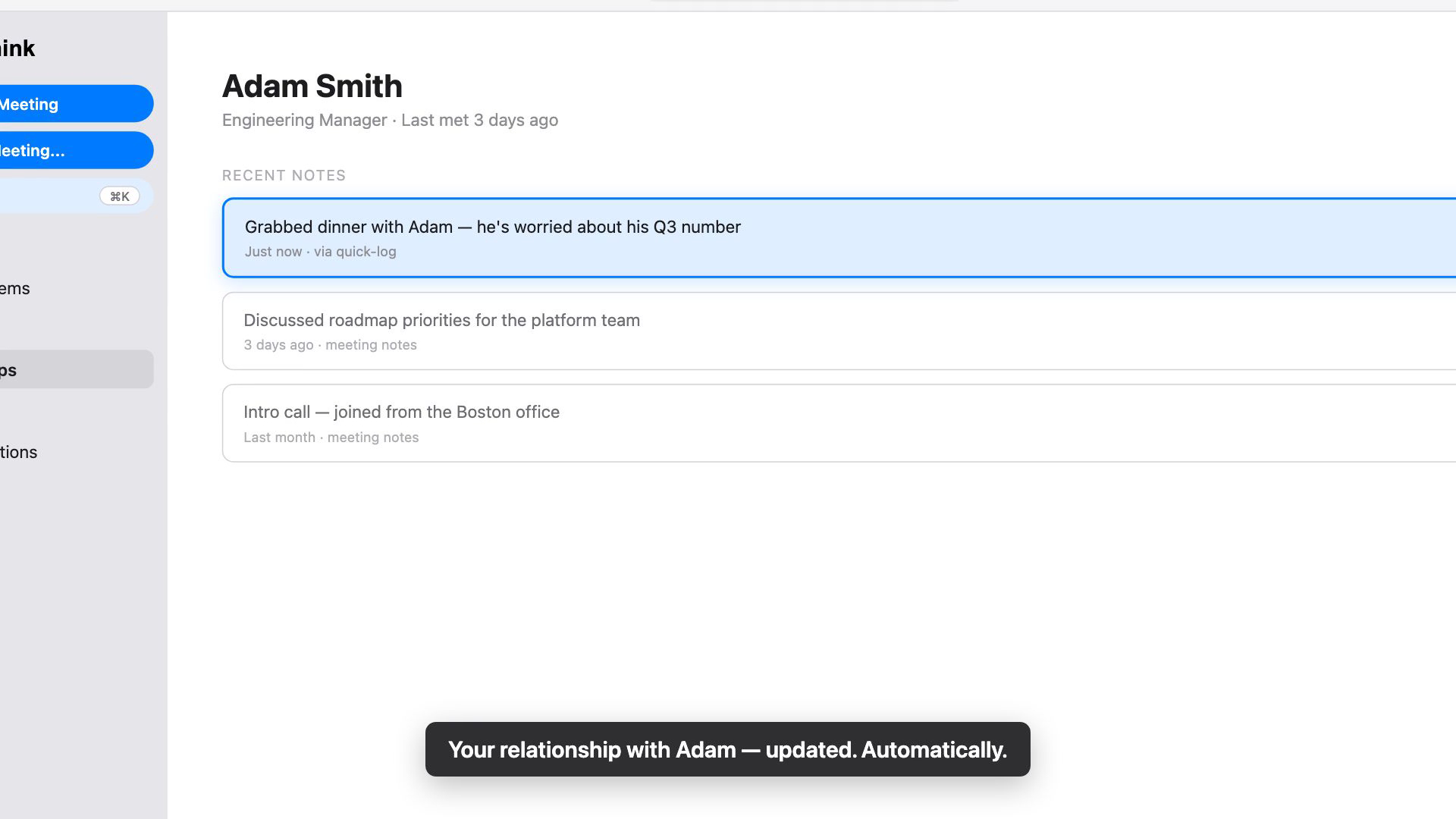
Groupthink reads that, works out it’s about Adam, and updates your relationship with him. You don’t pick him from a list. You don’t fill anything in. You write the way you’d text a friend about what happened.
And it doesn’t have to be a conversation. An interaction is anything worth remembering about a person: something they said, something you noticed, something that changed. “Sarah seemed underwater in standup today.” “Priya got promoted to director.” “Dave’s kid made the travel soccer team.” If you can say it in a sentence, it counts.
A line under the box shows where the note went, with the person’s name as a link, so you can check it right away. If Groupthink wasn’t sure who you meant, the line says so. If it landed on the wrong person, open the entry on that person’s page and reassign it.
The point is that what Groupthink knows about your relationships stays current from the interactions you actually have: a dinner, a hallway chat, a phone call, a thing you noticed and almost forgot. The next time that person shows up on your calendar, or you’re about to call them back, the context is already there.
Full instructions are in the Quick Log help doc.
Open Groupthink, press Command-K, and log the last interaction worth remembering. Remember what matters, and make every moment count.